

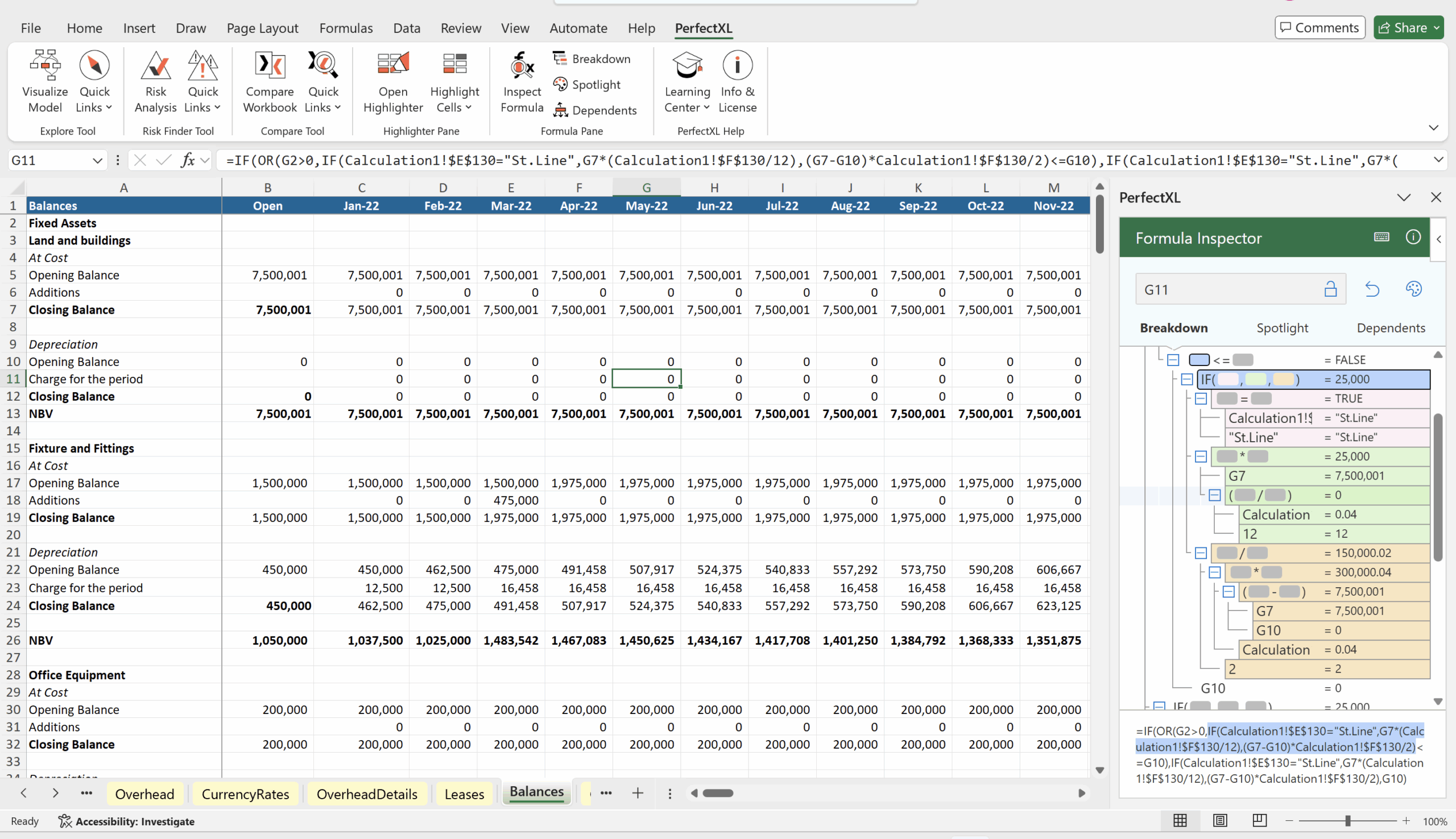
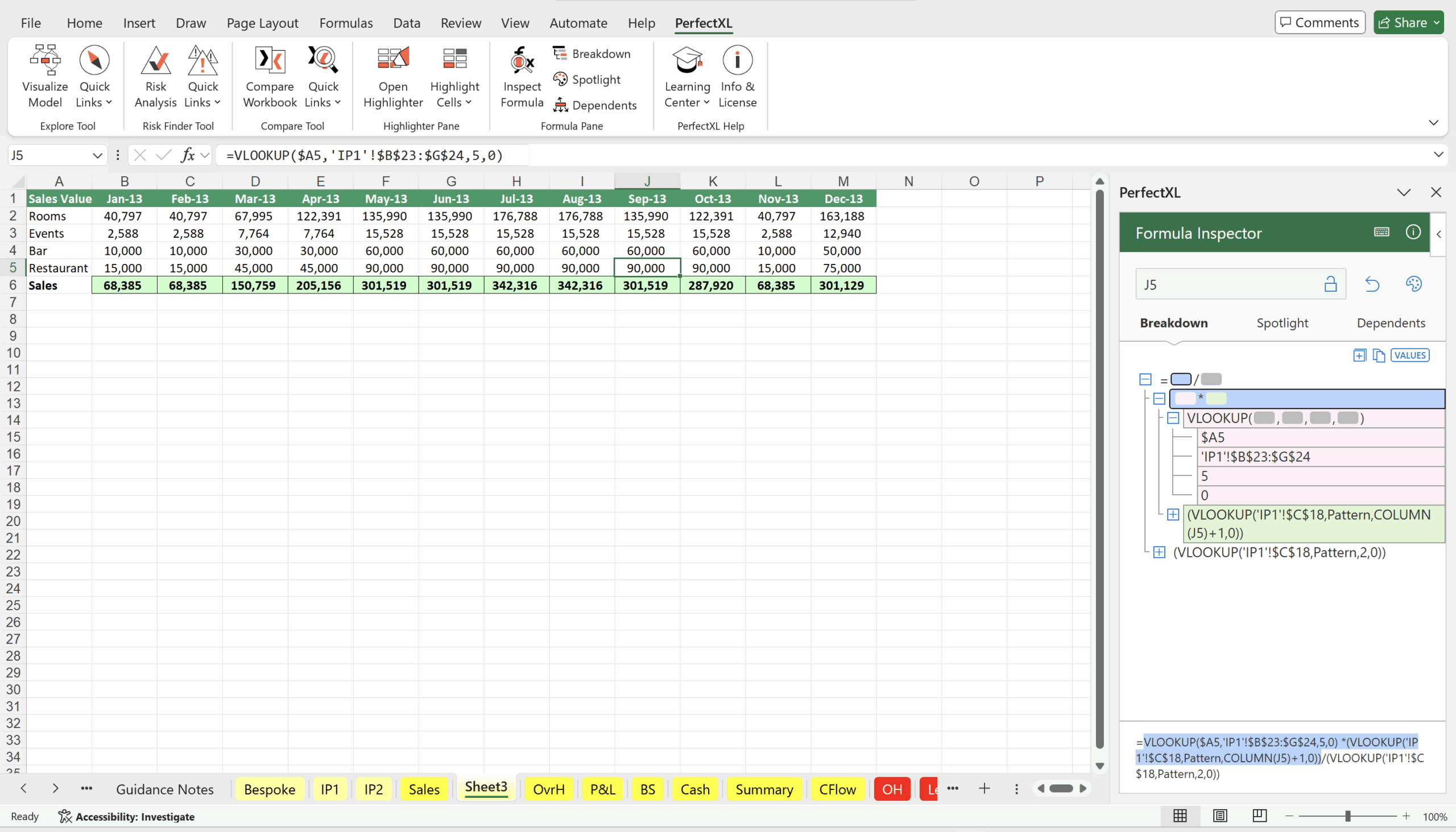
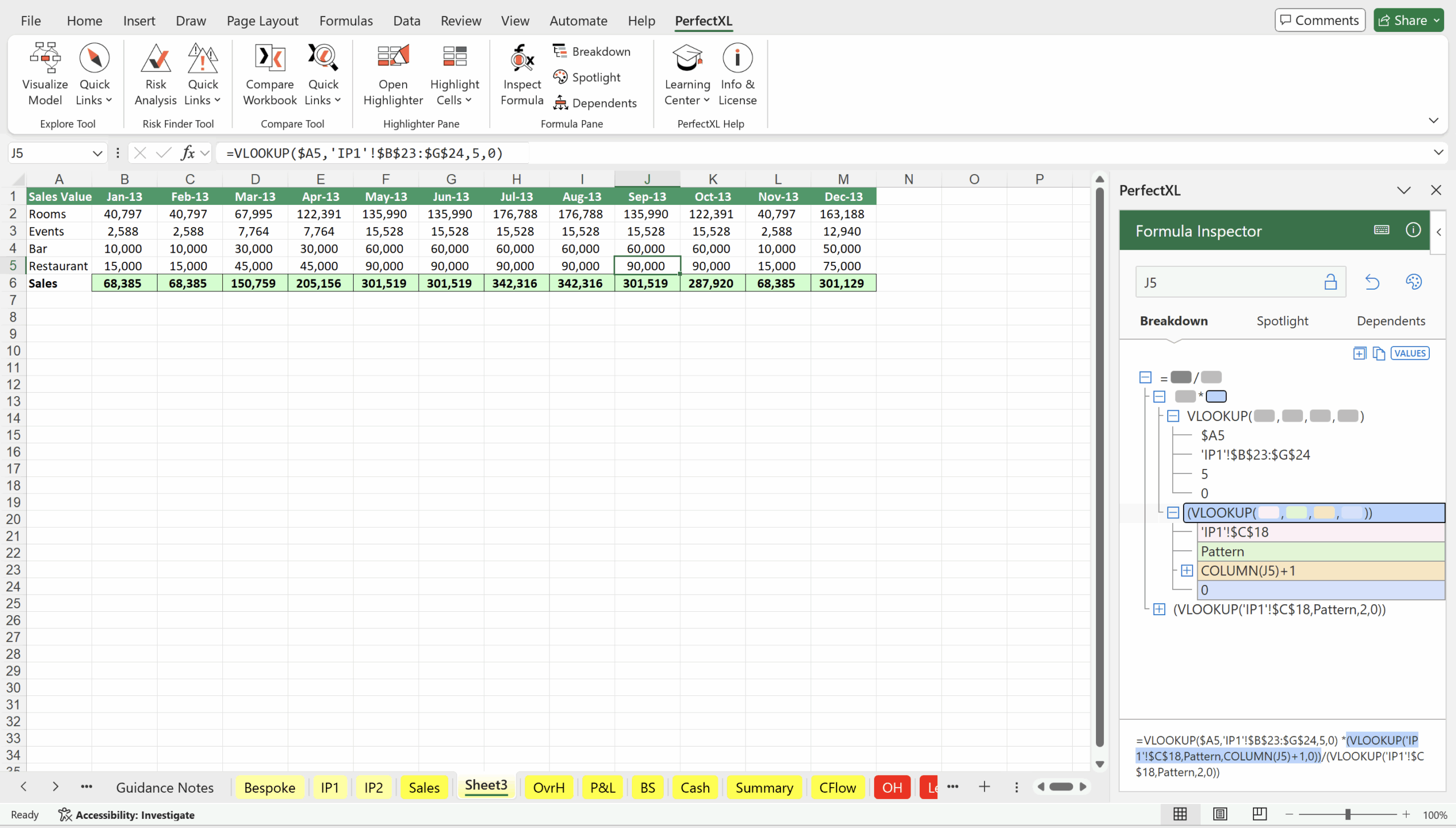
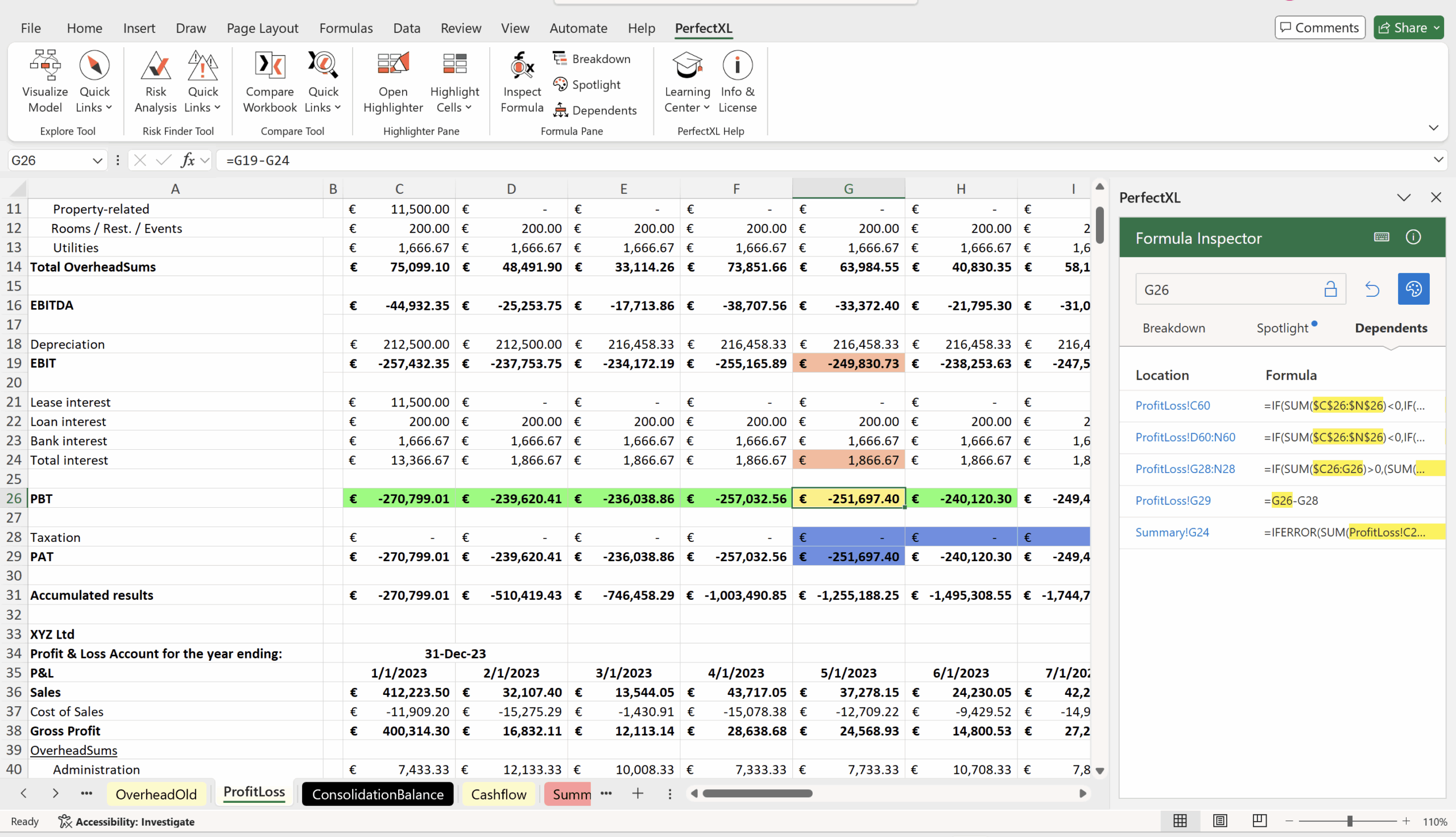
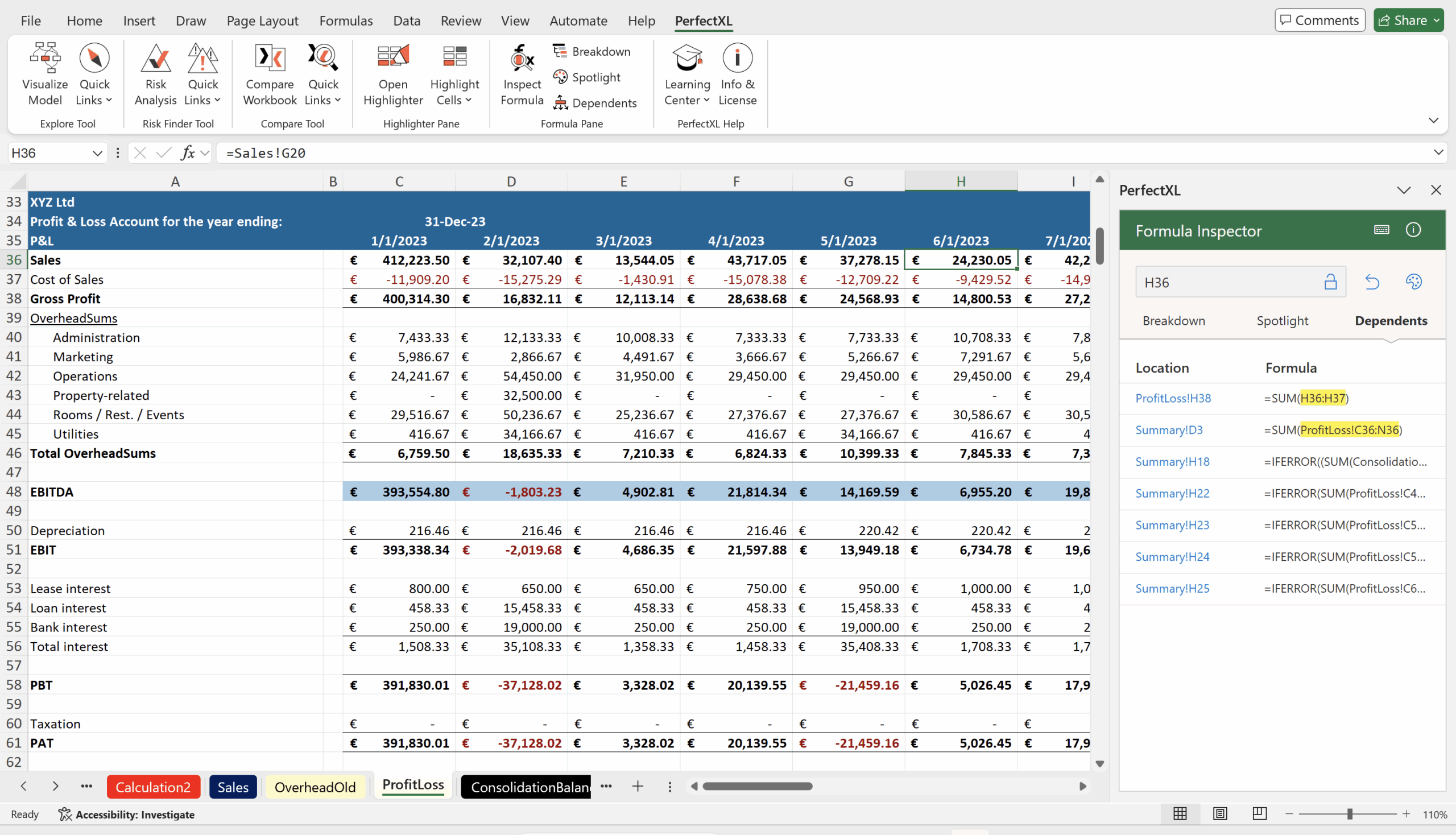
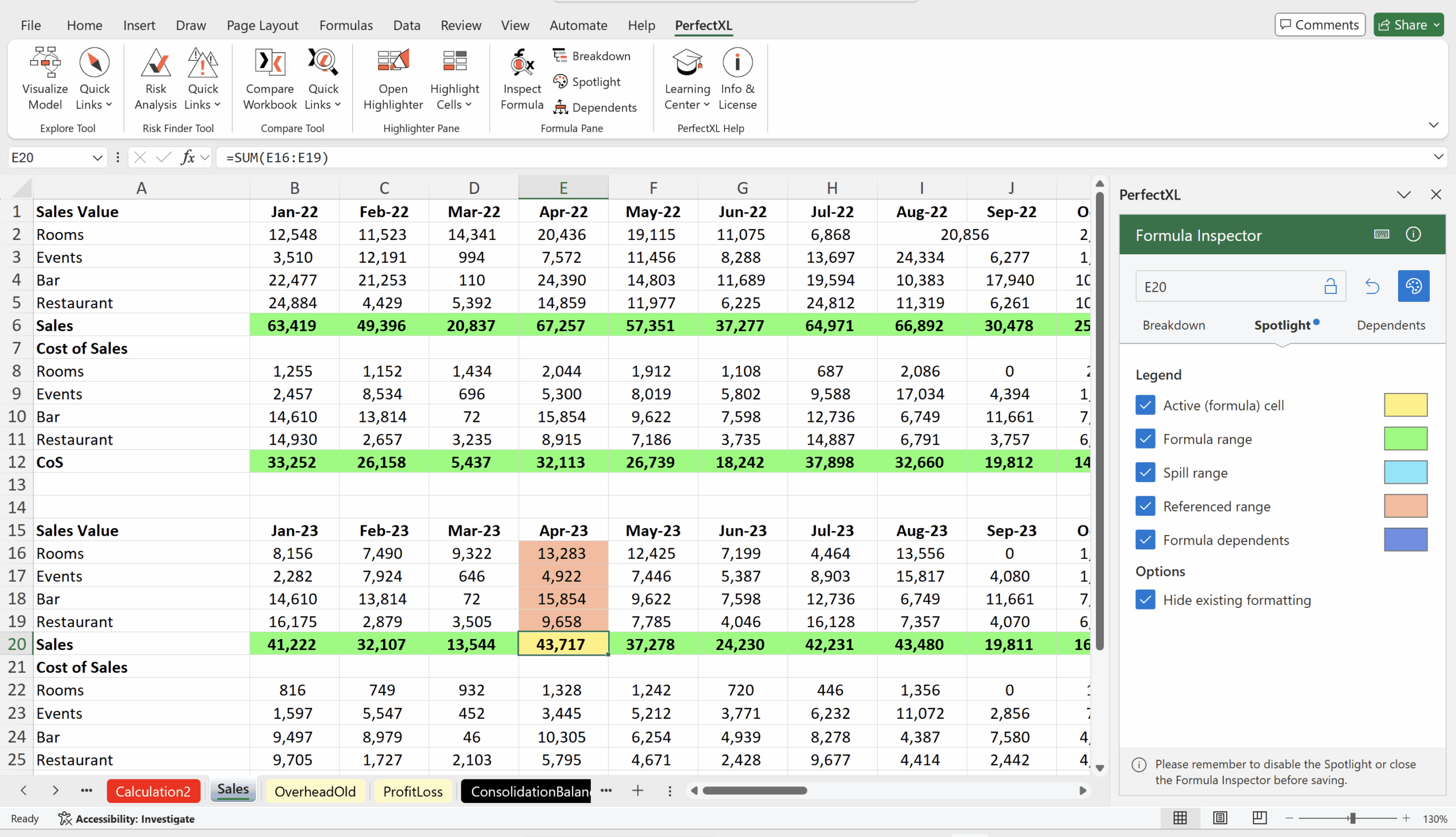
The PerfectXL Formula Inspector works inside Excel as part of the PerfectXL add-in. Use Inspect Formula to open a right-side pane that follows your selection and combines three views in one place: Breakdown (splits long/nested formulas into readable building blocks), Spotlight (temporarily colors the worksheet so you instantly see the inspected cell plus related inputs/ranges), and Dependents (lists exactly where that cell is used, with clickable locations). In Breakdown, you can expand/collapse levels and show intermediate values to spot the first step where a calculation goes wrong; cell references are hyperlinked so you can jump through the model quickly. The result is faster formula understanding, easier debugging, and more confidence before you change anything. 🔎🧩
Click here for more information about the tool.
Click here to download a trial version of the tool.
The add-in is compatible with Excel Online, Excel for Mac, and Excel for Windows. The Formula Inspector makes use of the newest possibilities and is therefore only compatible with the latest Office editions and does not support older versions of Excel.


Recent Comments